I’ve hit the point where I don’t trust GitHub but, for right now, it’s still my best option for the projects I host. That means I need a simple and reliable solution to back up my code there.
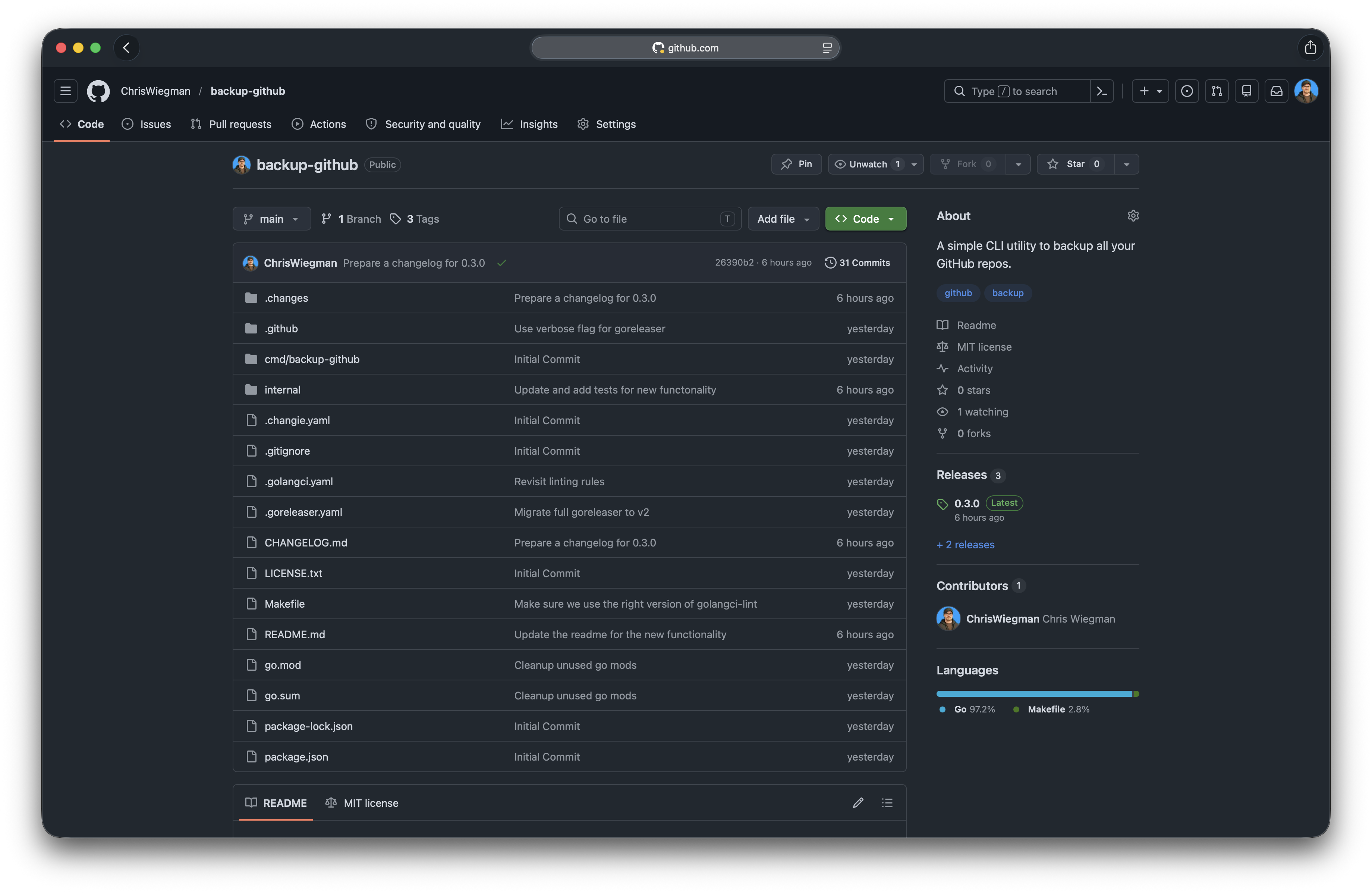
To address this I’ve created a simple Backup GitHub app that does one thing and one thing well: it fully backs up all my GitHub repos, public and private.
This script, with few options, has you log into your GitHub account without playing games with access tokens and stores that login in your Mac keychain. It then simply backs up every repo in your account to the current directory (though you can specify another directory with a flag, if you want) and it does it all super fast.
That’s it. No fancy bells or whistles… just a simple backup of what matters most: all your GitHub code.
You can install it from Homebrew or directly from GitHub and then just run it from the folder you want to backup your repos to. If you run it a second time it will simply update the repos it finds making it perfect for keeping your backups current over time.
As a bonus, this was a fun little project for me. I have been experimenting with how to use AI, but not for this. The app itself was done by hand over the last few days for fun and, fun it was. I don’t have many opportunities for that lately.
So if you need a quick and easy way to backup your GitHub code, give it a shot.
One note… it’s Mac only, for now, as I don’t have any other machines to test it on. It might work on Linux, but I wasn’t going to promise that. Feel free to open a PR if you want to help me distribute it there.