For years I’ve used the popular Code Spell Checker extension for VS Code. While it’s been great for spell checking, as I write more in VS Code, especially in using Hugo for this site, I’ve wanted something that could check for grammar issues as well.
This isn’t a new feature, services like Grammarly have, of course, been around for over a decade and then there are the built-in features of work processors like Google Docs. Those are great, but for this project they’re just too much, especially in the age of AI. I don’t want something to completely rewrite what I have here, I just want to cut down on some of the errors I regularly miss.
Enter Harper
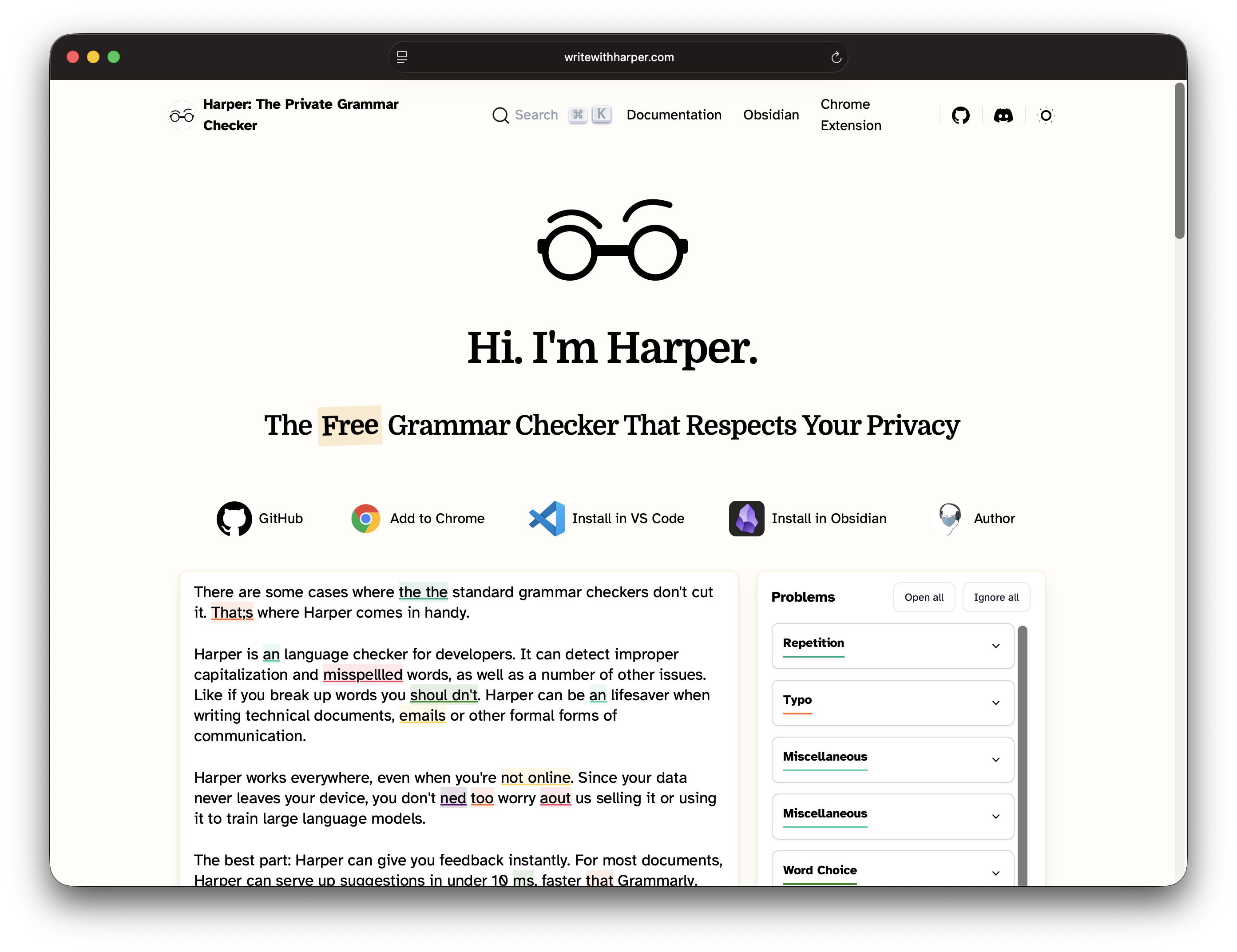
This past weekend I finally found a solution that seems to be private enough for me while also catching more than just spelling mistakes. Harper is an open source project that, so far, seems to capture all I need it to and is customizable enough that I can turn off bad features like its insistence on trying to enforce oxford commas everywhere.
If it has anything that gives me pause it is that it is run by Automattic, a company I once respected but has since proven to be anything but a good steward of open source software. That said, as long as it isn’t sending any data back to Automattic it’s still the best option I’ve found, for now.
Grammar checking, as just a basic feature, seems to be a relic of a pre-AI past so finding something that still does it right, without features I don’t need, has been very welcome.