It’s iOS/iPhone update time. Whether you’re an Apple user or not use it as an opportunity to update your privacy settings.
There’s a lot you can lock down to improve your privacy. The catch is that these settings change over time. I review my own once or twice a year in both my devices and on my service providers.
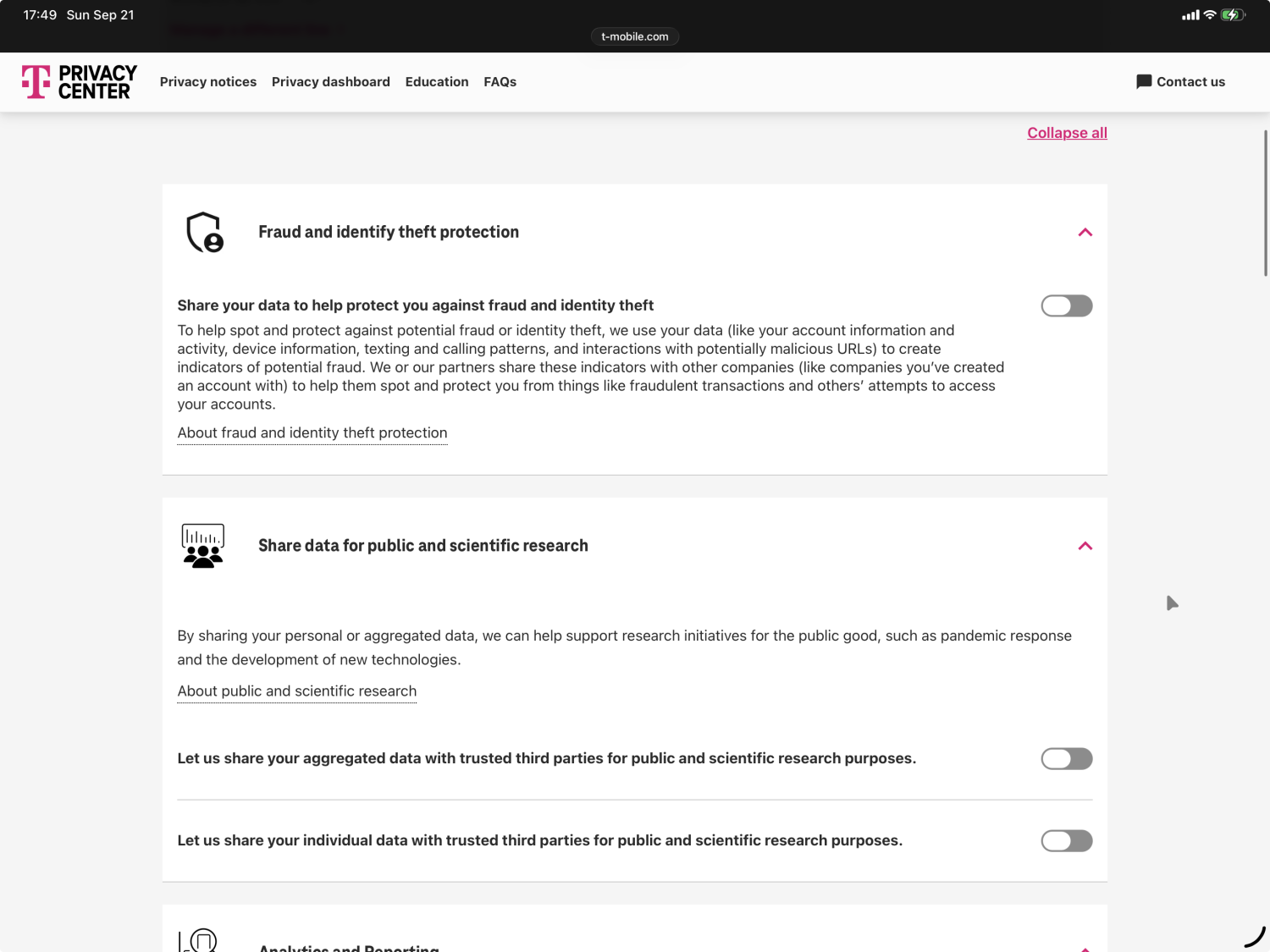
Just today I logged into my mobile provider to review settings and found there were 3 new privacy controls, all of which I was opted in to, that needed fixing. If you haven’t looked at yours in a while I recommend checking yours.
As a T-Mobile user, their privacy center will get you started. You can also log into their website, go to your account profile and navigate through the privacy settings there. Note that most T-Mobile privacy settings are configured per-line which means you’ll want to update them for each and every line you have on your account.
Once you update your carrier settings, also take a few minutes to review your phone’s own settings. This guide does a great job at helping you make your Apple devices more private.
There’s a lot you can do to protect your online privacy without having to buy specialized hardware or software. The only catch is that none of it is a one-off project. Set a reminder to yourself to review your privacy regularly and adjust new settings as they are made available.