
Last Fall I wrote about turning off CoPilot in VSCode. That worked well… for a while. Unfortunately there’s more to it today.
Today, you also need to “Hide AI Features” to disable it all.
Open the command palette (cmd-shift-p on Mac)
Search for “Chat”
Select “Chat: Hide AI Features”
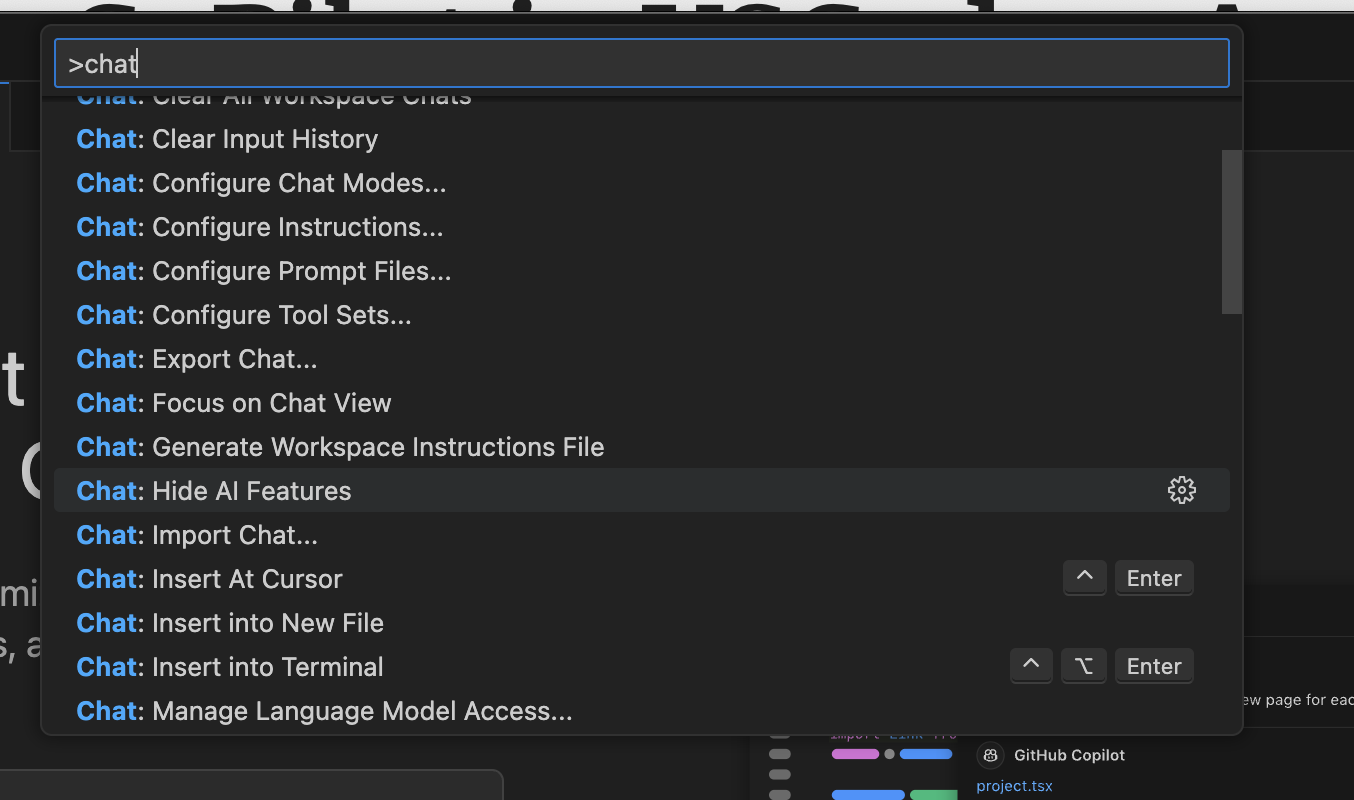
- Enjoy VSCode